
12 AI Apps Sri Lankan Marketers Use to Make Content Faster
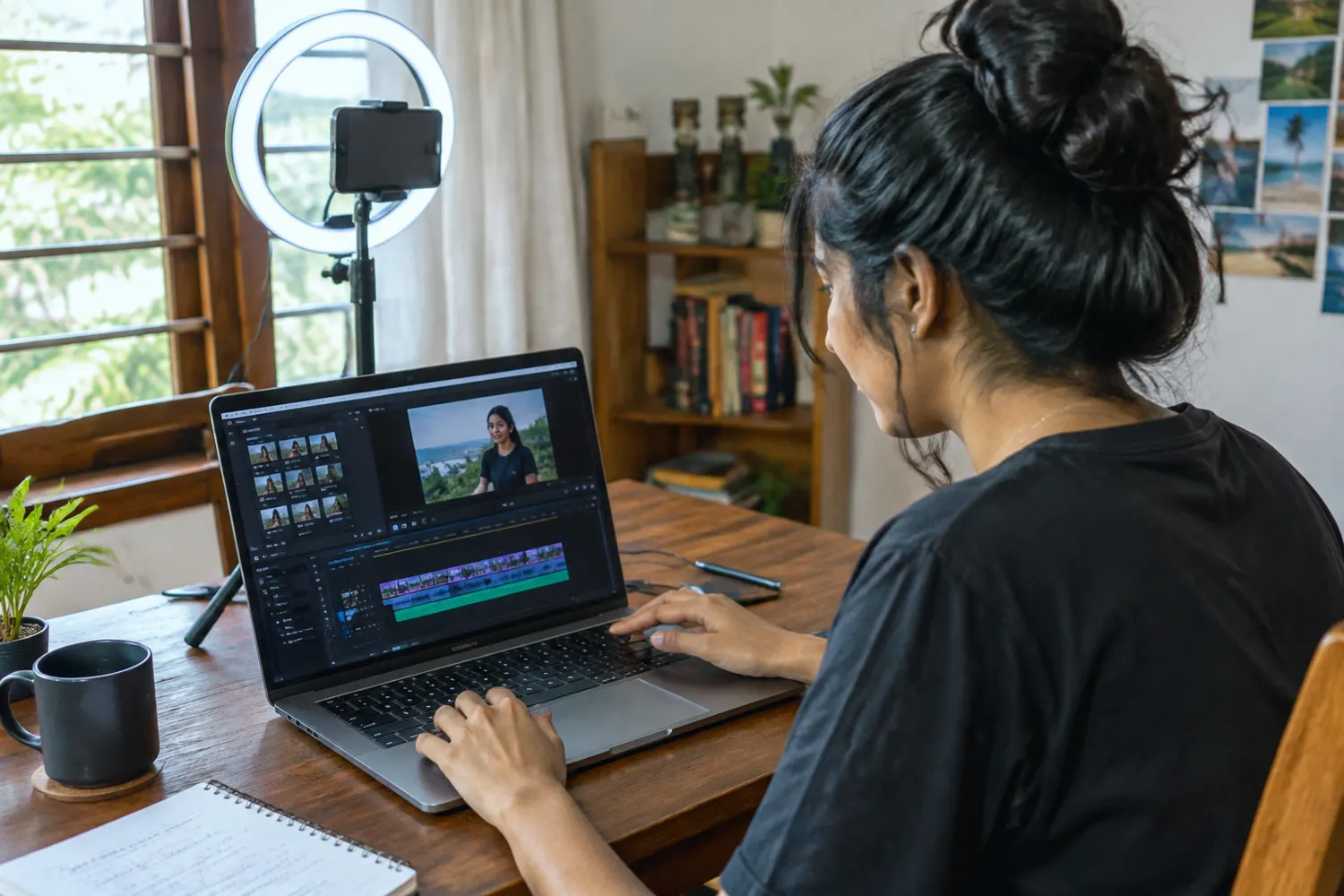
AI tools have changed how small marketing teams work. A caption that took 20 minutes now takes two. A product photo can get a new background in seconds. A rough video can be cut into reels automatically.
AI speeds up drafts, but brands that need a steady flow of on-brand posts still outsource social media content creation to specialists. Here are the AI apps worth knowing, what they're good for, and where you still need a human.
Writing: captions, scripts and ideas
1. ChatGPT: drafts captions, ad copy, reel scripts, blog outlines and content calendars. Give it your brand tone, audience and offer for better results.
2. Claude: strong for longer writing, rewriting in a specific tone, and summarising reports or customer feedback.
3. Google Gemini: useful for research-heavy tasks, and works across Google Docs, Sheets and Gmail.
Design: posts and ads
4. Canva (with Magic Studio): templates, AI image generation, background removal and one-click resizing for every platform. Brand kits keep colours and fonts consistent.
5. Adobe Express and Firefly: quick social graphics plus generative fill for editing images, with commercial-use licensing.
6. Microsoft Designer: free AI design for quick social posts and invitations.
Video and reels
7. CapCut: the go-to reel editor for many creators, with auto-captions, templates, trending effects and background removal.
8. Opus Clip: turns long videos (webinars, podcasts, interviews) into short vertical clips automatically.
9. Descript: edit video by editing the transcript, remove filler words and clean up audio.
AI avatars and voice
10. HeyGen: creates presenter-style videos using AI avatars and voice, useful for explainers and product updates. For brand-quality avatar and AI video work, see AI video production.
Translation and localisation
11. Google Translate and AI chat tools: helpful for first drafts in Sinhala and Tamil, but often too literal. A native speaker should always rewrite the final version so it sounds natural.
Scheduling and analytics
12. Meta Business Suite: free scheduling for Facebook and Instagram, with AI-suggested captions and insights on what's working.
Comparison table
| App | Main use | Free plan? |
|---|---|---|
| ChatGPT | Captions, scripts, ideas | Yes |
| Claude | Long-form writing, rewriting | Yes |
| Google Gemini | Research, Google Workspace | Yes |
| Canva | Social designs, resizing | Yes |
| Adobe Express / Firefly | Graphics, image editing | Yes |
| Microsoft Designer | Quick designs | Yes |
| CapCut | Reel editing, captions | Yes |
| Opus Clip | Long video to short clips | Limited |
| Descript | Transcript-based editing | Limited |
| HeyGen | AI avatar videos | Limited |
| Google Translate | Draft translations | Yes |
| Meta Business Suite | Scheduling, insights | Yes |
Free plans and features change often, so check each app's current pricing.
Sinhala and Tamil content: what to watch for
- AI often produces formal, textbook Sinhala that sounds unnatural in social media.
- It can miss local slang, Singlish and humour that make posts relatable.
- Fonts can break in some design apps. Check how Sinhala and Tamil text looks before posting.
- Get a native speaker to review every post in local languages.
Limits of AI content
- Sameness: many brands use the same tools, so AI-only content starts to look alike.
- Accuracy: AI can invent facts, prices or statistics. Check everything.
- Brand voice: without clear guidance, AI writes in a generic tone.
- Rights: check commercial-use terms, especially for images and music.
- Customer service: replies to real customers should come from people, or at least be checked by them.
A simple AI-assisted workflow
- Plan the month's themes yourself, based on your offers and seasons.
- Use AI to draft captions and reel scripts.
- Design in Canva using your brand kit.
- Film short clips on your phone and edit in CapCut.
- Have a person review language, facts and tone.
- Schedule in Meta Business Suite.
- Review results monthly and repeat what works.
Frequently asked questions
Can AI write Sinhala social media posts?
Yes, AI tools can draft Sinhala and Tamil text, but a native speaker should always check and rewrite it. Machine translations often sound formal or miss the local expressions that make posts feel natural.
Will AI replace social media managers?
No. AI speeds up drafting and editing, but strategy, brand voice, community replies and judgement still need people. Teams that use AI well simply produce more in less time.
Are free AI apps good enough for a small business?
Free plans are fine for testing and light use. Paid plans add brand kits, higher-quality exports, more usage and commercial rights, which matter once you post regularly.
Which AI app is best for making reels?
CapCut is the most popular choice for editing reels, with auto-captions and templates. Opus Clip is useful if you already have long videos to cut into short clips.